Operators
- 1
Navigate to Production, then Operators, then click the
Addbutton in the top corner.- 2
Type an Operator Number, this can be alphanumeric. Type the Operator Name, then click
Add- 3
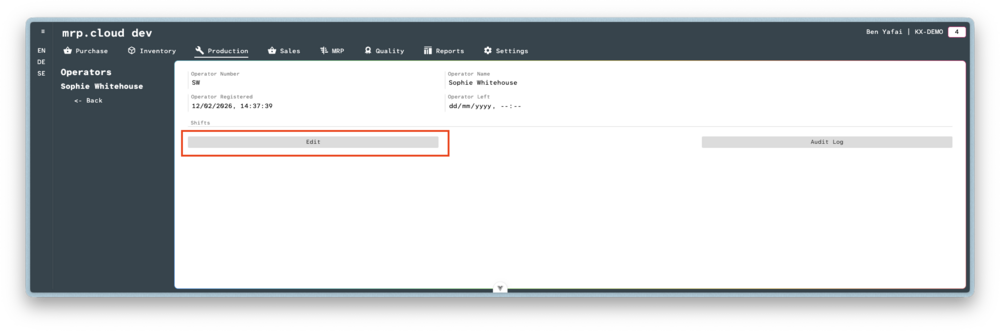
Once the main record is created, click
Edit- 4
Click
Add, then choose the shift that the Operator is associated with.
It is possible to link multiple shifts to a single Operator.Then click
Save