Resources
- 1
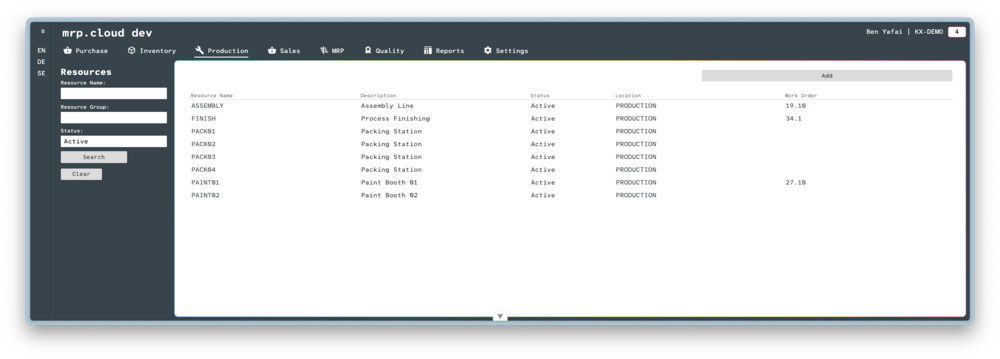
Navigate to Production, then Resources, then click the
Addbutton in the top corner- 2
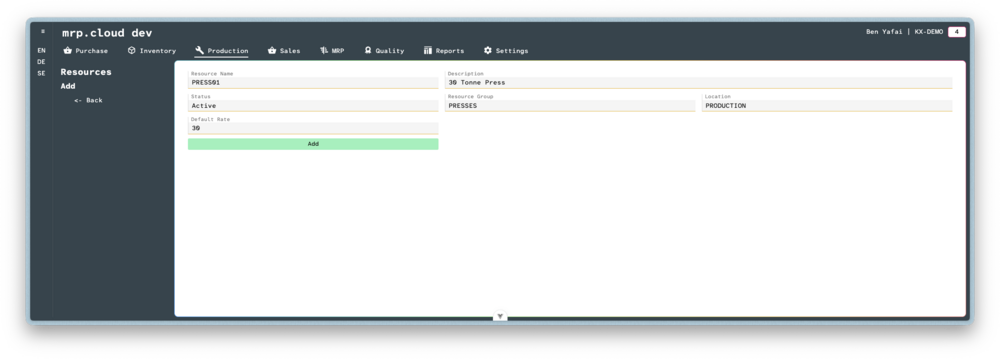
Here you can enter details about the resource.
The Default Rate is specified as the cost per hour to run the resource in your home currency. It will later be used to calculate a Stock Item's Standard Cost
Then click
Add- 3
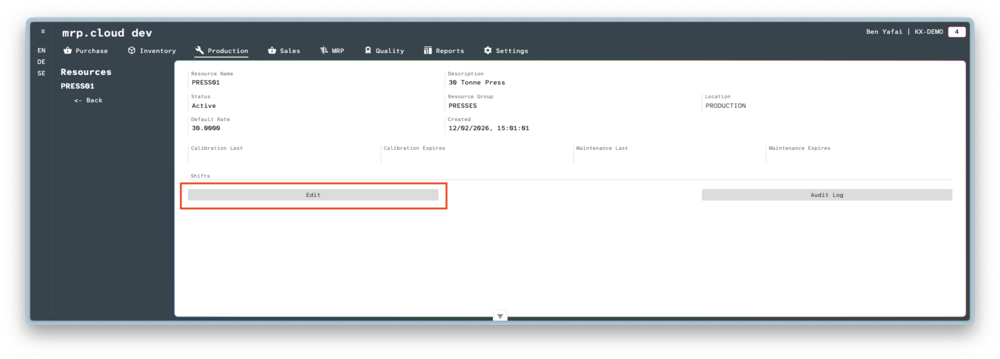
Once the main record is created, click
Edit- 4
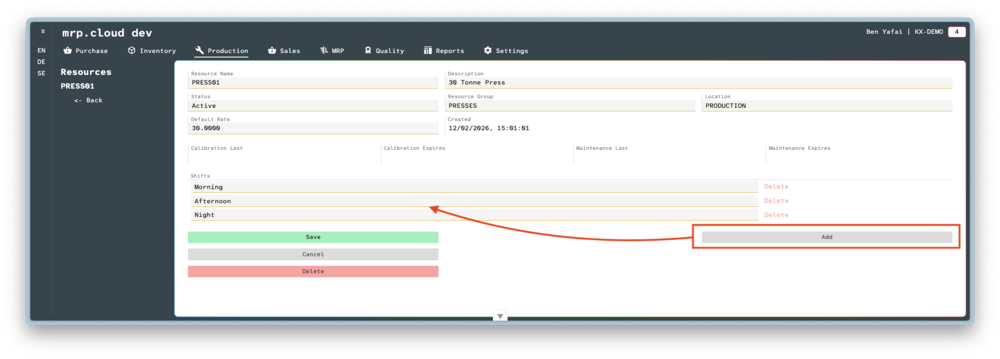
Click
Add, then choose the Shift that the Resource is associated with.
It is possible to link multiple Shifts to a single Resource.Then click
Save