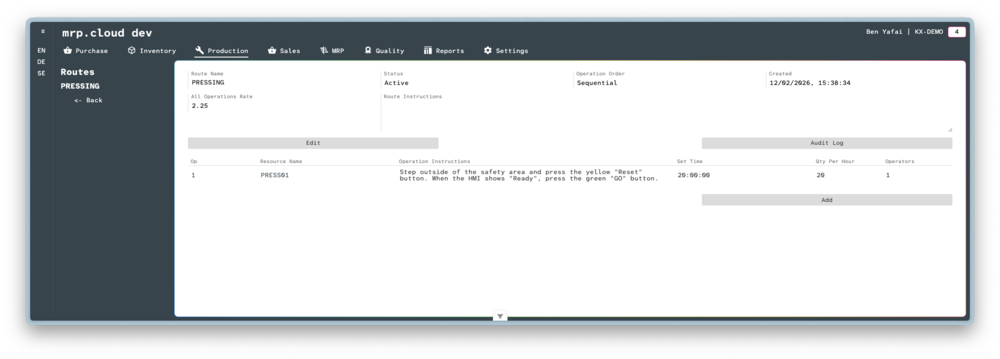
Routes
- 1
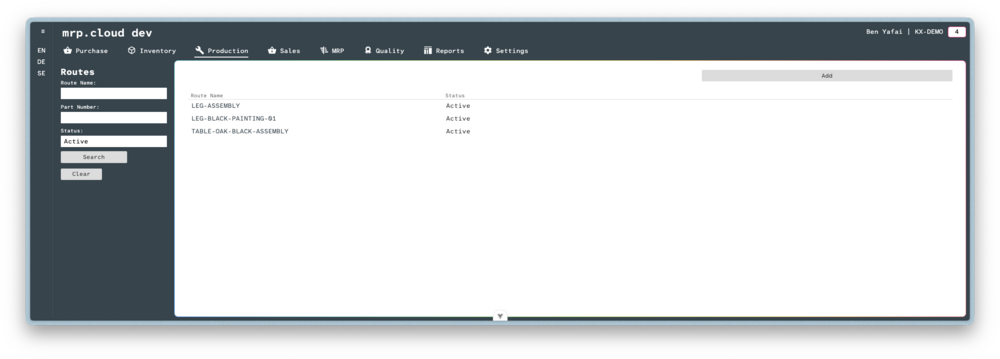
Navigate to Production, then Routes, then click the
Addbutton in the top corner- 2
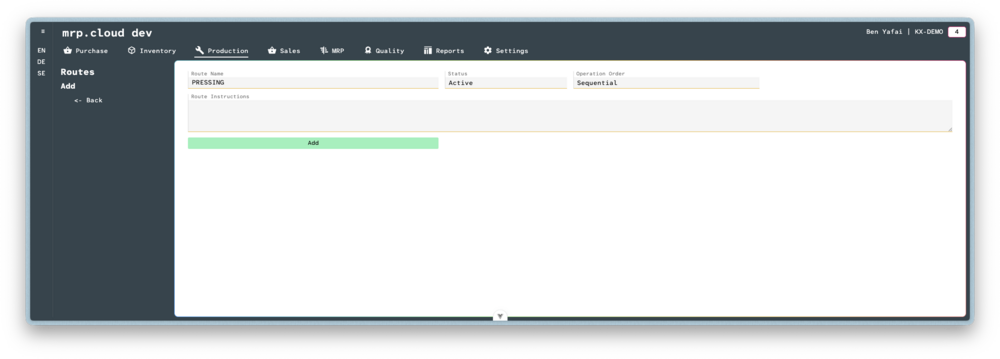
Here you can enter details about the Route.
The Operation Order is specified as a choice of Sequential and Simultaneous.
When calculating the time for a Work Order to start and end, the system uses the Operation Order to determine the length of time needed.
If Sequential, the system will add all operation durations as a total for the start and finish time.
If Simultaneous, the system will take only the duration of the single longest operation as the start and finish time.Then click
Add- 3
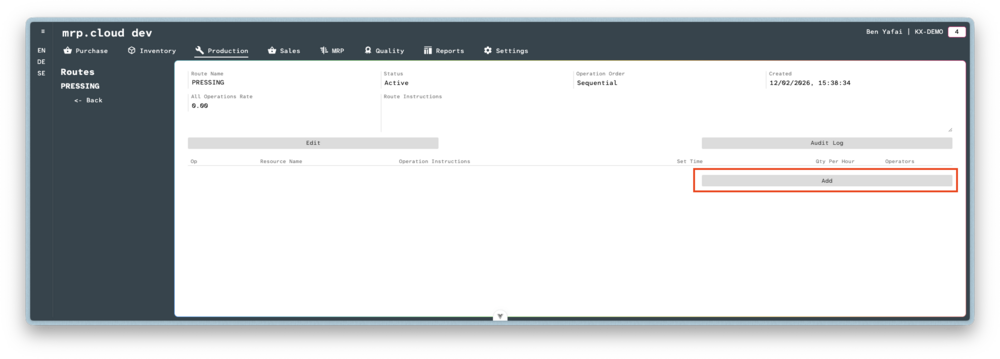
Click the
Addbutton to begin adding Operations to the Route- 4
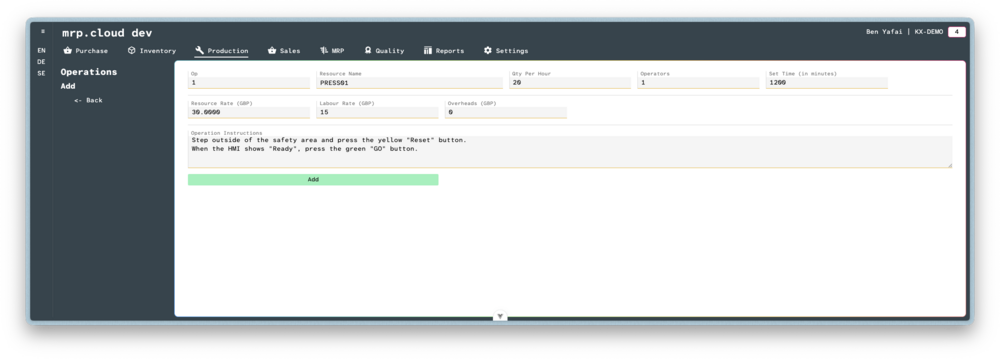
Here you can enter details about the Operation.
The Qty Per Hour is specified as a the number of cycles the operation is expected to complete every 60 minutes.
The Operators is specified as the number of human operators required to complete the operation.
The Set Time is specified as the amount of time, in minutes, that is required to configure the Resource before full operation can commence.
The Resource Rate is specified as the cost of running the resource for each hour of operation. It is pre-filled when selecting the Resource, and can optionally be overwritten here.
The Labour Rate is specified as the cost, per Operator, for each hour of operation
The Overheads is specified as any other costs besides direct Resource and Labour costs that are incurred for each hour of operation.
Then click
Add- 5
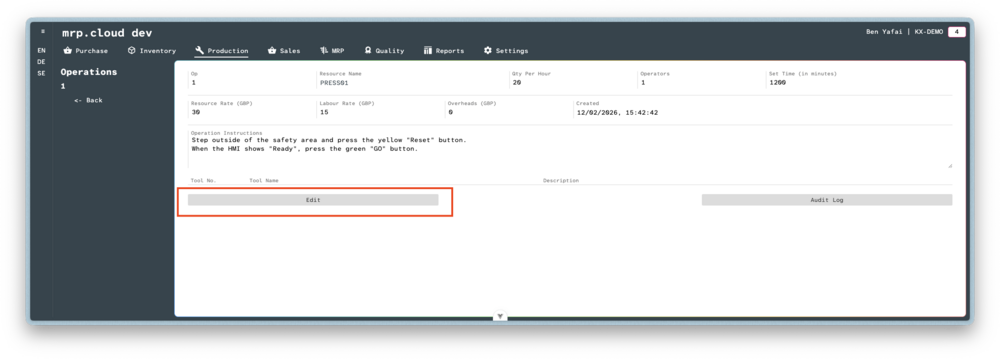
Once the main record is created, click
Edit- 6
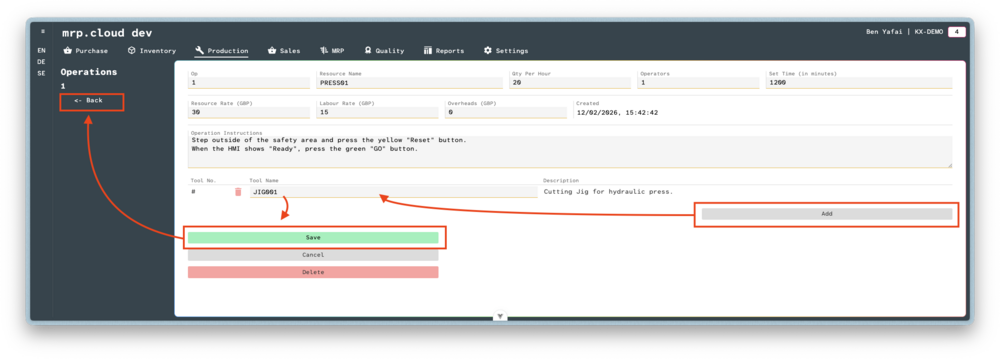
Click
Add, then choose the Tool that is required to complete this Operation
It is possible to link multiple Tools to a single Operation.Once all tools are added, click
Save, then clickBack
The Route is complete.
Now that all Operations, Resources and associated costs have been defined, the system has calculated the Total Rate Per Part.
The Total Rate Per Part is specified as the following formula:
((Labour Rate * Number of Operators) + Resource Rate + Overheads) / Qty Per Hour
When a Stock Item is linked to this Route, the Total Rate Per Hour will be used to calculate the Standard Cost of that item.